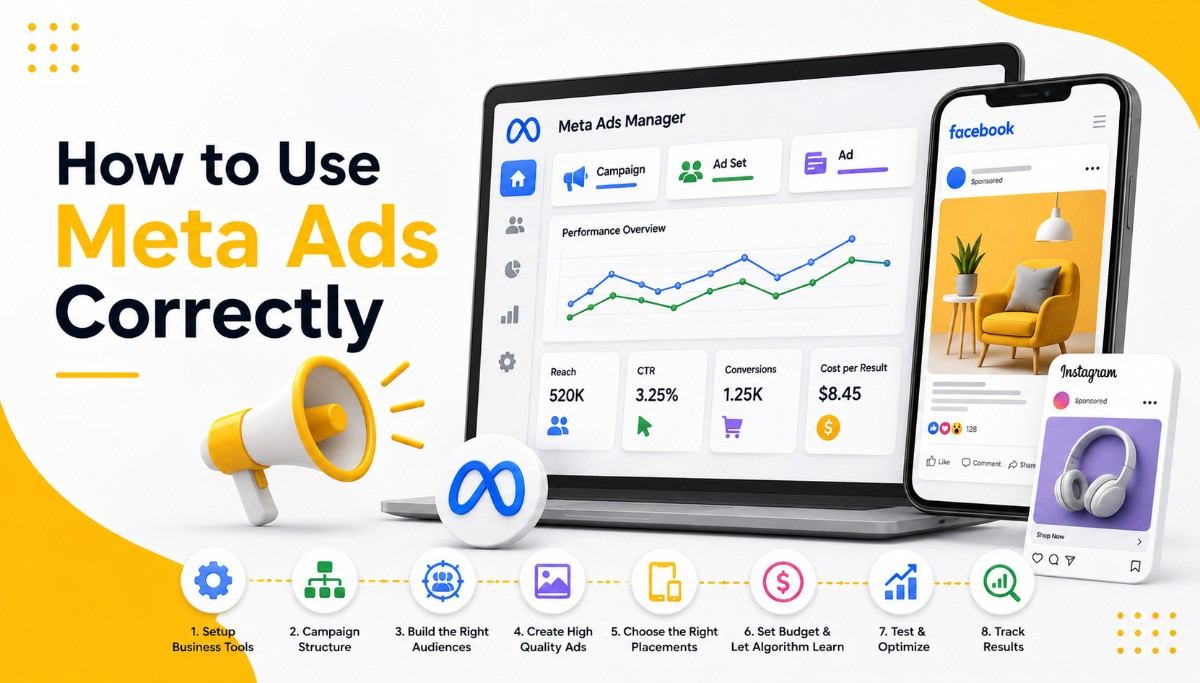
How to Use Meta Ads Correctly

How to Use Meta Ads Correctly: Facebook and Instagram Advertising Guide

Introduction

Meta Ads can deliver excellent results, but success depends on understanding the platform’s unique mechanics — audience targeting, creative-first design, and the Meta algorithm’s learning process. Here’s how to use Meta Ads correctly from setup to optimization.

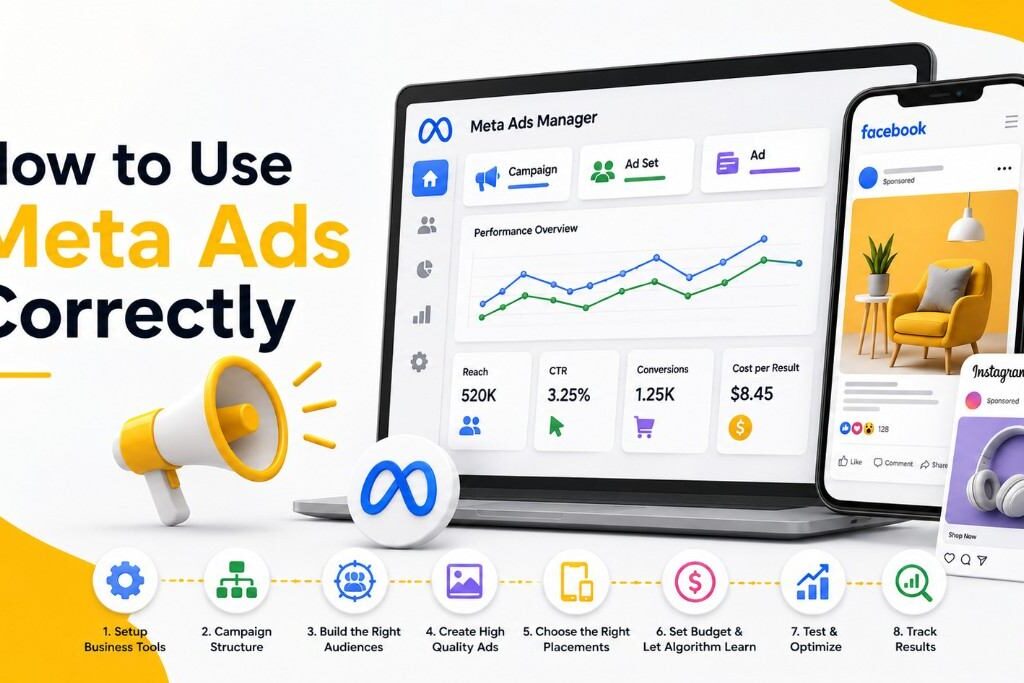
Step 1: Set Up Meta Ads Manager and Business Tools Properly

Before launching campaigns, make sure you have:

  • A Meta Business Suite / Business Manager account
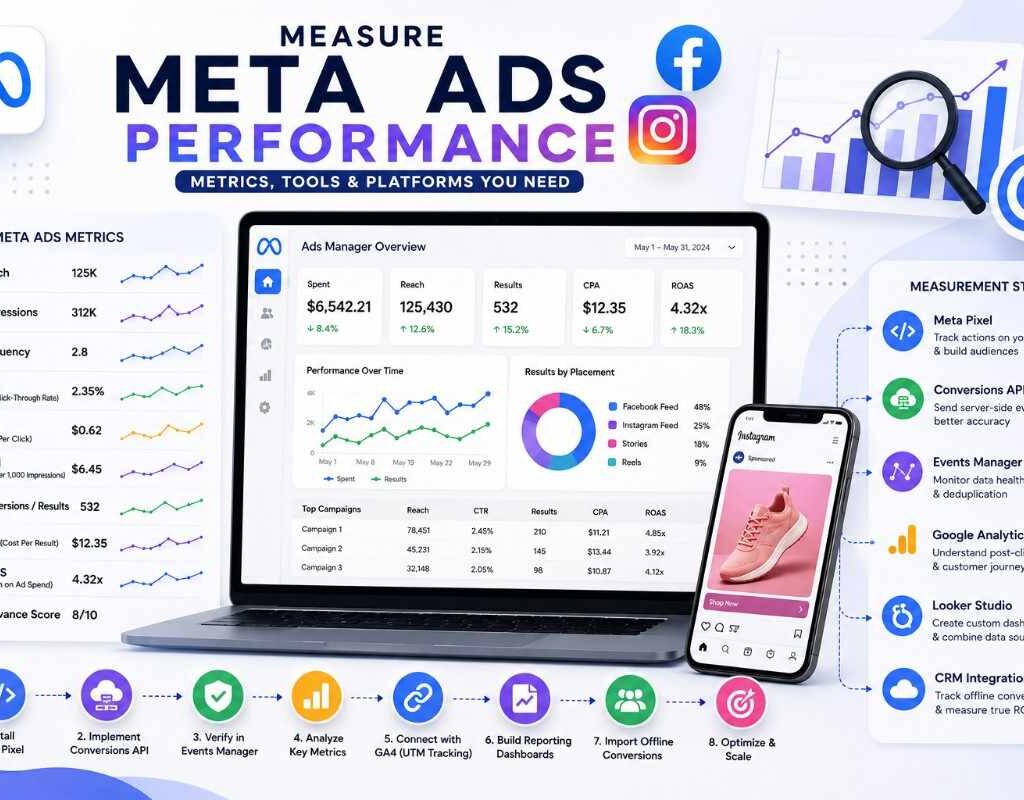
  • The Meta Pixel (or Conversions API) installed on your website
  • Facebook Page and Instagram account properly linked
  • Verified domain for accurate event tracking

Proper setup of the Meta Pixel and Conversions API is critical for accurate conversion tracking, especially after iOS privacy changes reduced browser-based tracking accuracy.

Step 2: Understand Meta’s Campaign Structure

Meta Ads follows a three-level structure:

  • Campaign – defines your objective (awareness, traffic, engagement, leads, sales, app promotion)
  • Ad Set – defines your audience, budget, placement, and schedule
  • Ad – the actual creative (image, video, copy)

Choosing the correct campaign objective matters — it tells Meta’s algorithm what outcome to optimize for.

Step 3: Build the Right Audiences

Meta offers three core audience targeting types:

  • Core Audiences – built from demographics, interests, and behaviors
  • Custom Audiences – built from your own data (website visitors, customer lists, app users, engagement)
  • Lookalike Audiences – new users who resemble your best existing customers

A strong strategy typically combines retargeting custom audiences (people who already know you) with lookalike audiences (cold prospecting) for balanced funnel coverage.

Step 4: Prioritize Creative Quality

Because Meta Ads live in social feeds, creative is the single biggest performance driver. Best practices include:

  • Use native-feeling content (not overly polished “ad-like” visuals)
  • Test video, static image, and carousel formats
  • Keep text overlay minimal on images
  • Design for mobile-first, vertical formats (especially for Stories and Reels)
  • Include a clear hook in the first 3 seconds of video ads

Step 5: Write Effective Ad Copy

Meta ad copy should be:

  • Short and scroll-stopping in the primary text
  • Focused on a single clear benefit or offer
  • Paired with a strong call-to-action button (Shop Now, Learn More, Sign Up)

Step 6: Choose the Right Placements

Meta allows Automatic Placements (recommended for most advertisers) across Facebook Feed, Instagram Feed, Stories, Reels, and Audience Network. Automatic placements let Meta’s algorithm find the lowest-cost, best-performing spots — manual placement selection is best reserved for advanced testing.

Step 7: Set Budgets to Allow the Algorithm to Learn

Meta Ads relies on machine learning to optimize delivery. To exit the learning phase efficiently:

  • Aim for at least 50 conversions per ad set per week
  • Avoid making frequent edits during the learning phase (this resets it)
  • Use Campaign Budget Optimization (CBO) to let Meta allocate spend across ad sets automatically

Step 8: Test Systematically

Run structured A/B tests on:

  • Creative formats (video vs. static vs. carousel)
  • Audience types (interest-based vs. lookalike vs. retargeting)
  • Ad copy and hooks
  • Campaign objectives

Avoid testing too many variables at once — isolate one element per test for clear insights.

Step 9: Monitor Key Metrics

Track these core Meta Ads metrics regularly:
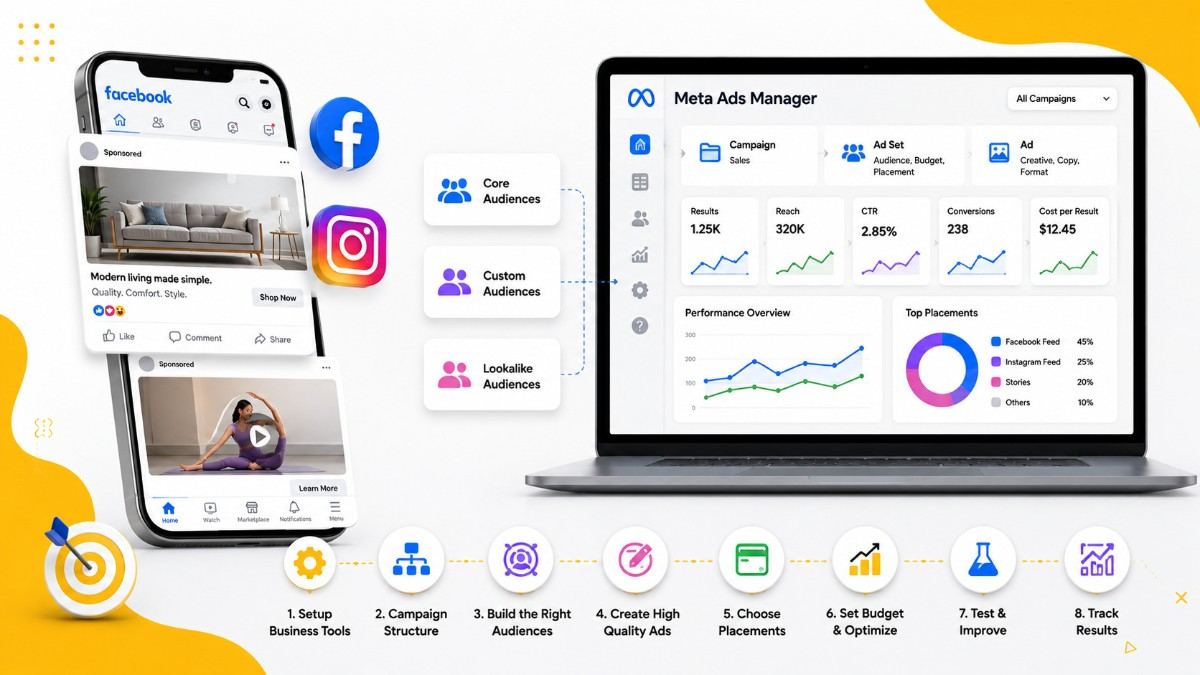
  • CTR (click-through rate) – creative and relevance indicator
  • CPM (cost per 1,000 impressions) – audience competition indicator
  • CPA (cost per acquisition) – efficiency of conversions
  • Frequency – how often the same person sees your ad (watch for ad fatigue above 3–4)
  • ROAS (return on ad spend) – overall profitability

Common Mistakes to Avoid

  • Editing campaigns too frequently, which resets the learning phase
  • Using low-quality or overly promotional creative
  • Ignoring frequency and letting ad fatigue hurt performance
  • Not using retargeting audiences for warm traffic
  • Skipping the Meta Pixel/Conversions API setup

Conclusion

Using Meta Ads correctly means treating creative as your primary lever, giving the algorithm room to learn, and layering custom, lookalike, and core audiences strategically. Combined with disciplined testing and metric tracking, Meta Ads can become a powerful engine for both awareness and conversions.

Let’s Build Something Great Together

Have a project in mind? Let’s create a digital solution that fits your goals and budget